The extension manager
Mutka has a built-in panel for discovering, installing and managing modules. Every change - install, enable, disable, uninstall - takes effect immediately, with no restart and no config files to edit by hand.
Everything you install, in one place
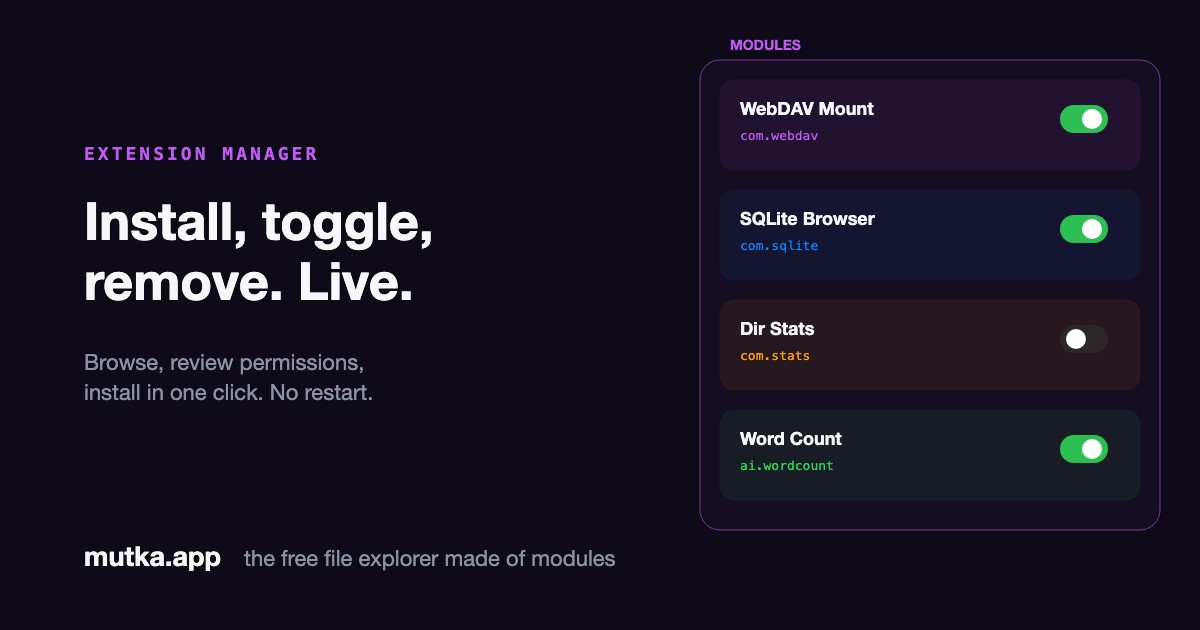
The Modules overlay lists every module you have - built-in and community - with a live toggle for each. Disable one and its worker is torn down on the spot; re-enable it and it spins back up. Nothing requires relaunching the app.
New modules come from the community catalog. Browse it, pick one, and Mutka downloads and validates it in a throwaway worker before anything touches your disk.
Review permissions before you trust it
Installing isn't blind. Before a module is written to disk, Mutka shows an install review: the module's identity, what it does, and the full list of permissions it requests - with the dangerous ones flagged.
You decide with the facts in front of you. The same permissions you approve here are the only ones the permission gateway will ever honour for that module.
- Full permission list, dangerous ones highlighted
- Validated in an isolated worker before install
- Approve, then it's written to ~/.mutka/modules/
From catalog to running, in four steps
- 01
Browse
Open the Modules panel and explore the community catalog of available modules.
- 02
Review
Mutka downloads and validates the module, then shows its permissions for your approval.
- 03
Install
On approval the module is written to ~/.mutka/modules/ and registered live.
- 04
Manage
Enable, disable, update or uninstall any module later - every change is instant.
Full lifecycle control
The manager owns a module from install to removal.
Enable / disable
Toggle any module on or off live; disabling terminates its worker immediately.
Install from catalog
Download, validate and register a community module in one approved click.
Uninstall
Remove a module and its files from disk; the app updates without a restart.
Persisted state
Your enabled set and install metadata are saved, so your setup survives relaunches.
Frequently asked
Do I need to restart Mutka after installing a module?
No. Installing, enabling, disabling and uninstalling all take effect live. The manager spins workers up and tears them down on the fly.
Where do community modules come from?
From the community catalog. Mutka resolves and validates each module in an isolated worker before showing you the install review and writing anything to disk.
Can I see what a module can access before installing?
Yes - that's the whole point of the install review. It lists every permission the module requests and flags the dangerous ones so you can decide with full information.
Where are installed modules stored?
Each module lives in ~/.mutka/modules/<id>/index.js, and your enabled/disabled state plus install metadata are kept in ~/.mutka/config.json.
Sources & further reading
Install review, marketplace trust and live extension lifecycles are well-studied problems.
- 1Chrome Web Store review processChrome for Developers
How the largest extension store gates what ships: review plus declared permissions, the model Mutka's install review mirrors locally.
- 2Extension MarketplaceMicrosoft, VS Code docs
The reference UX for browsing, installing and managing editor extensions from a single panel.
- 3About supply chain securityGitHub Docs
Why validating third-party code before it runs matters, which is what Mutka does in a throwaway worker.