A free file explorer built out of modules
Mutka keeps a tiny core and lets everything else (even copy-paste) snap on as modules. Create one and plug it.
$ curl -fsSL https://mutka.app/install/latest.sh | bashmacOS only · Windows coming soon
Prefer to build it yourself or grab the notarized app?
Trusted by employees at





What is Mutka?
Mutka is a community-driven, modular file explorer for macOS, built with Tauri 2 and React. The core ships only infrastructure - a module registry, an event bus, a shortcut manager and a permission-checked gateway. Every real feature is a module: copy and paste, file creation, navigation, list columns, cloud mounts. The features that ship in the box and the ones you install from the community are written the same way.
Explore the features
Deep dives on the ideas behind Mutka - the architecture, the sandbox, the extension manager, declarative UI, virtual filesystems and AI-built modules.
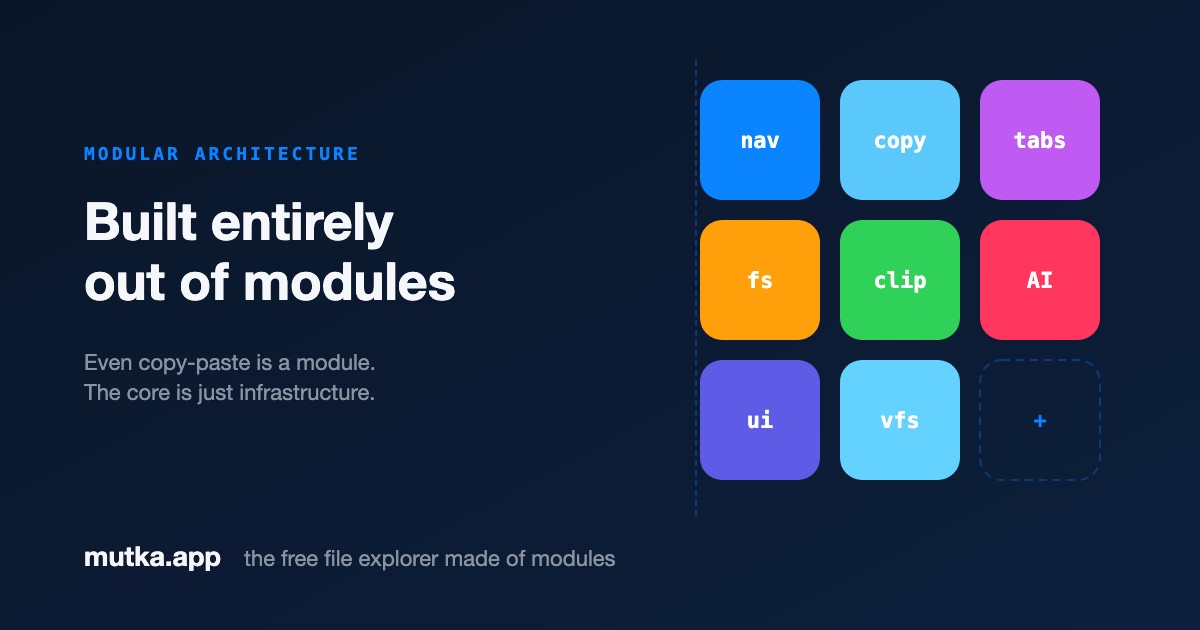
Even copy-paste and navigation are modules. The core is just infrastructure.

No pro tier, no license key, no subscription. Donations welcome, never required.

Open source and free forever, with a modular architecture no other file manager has.
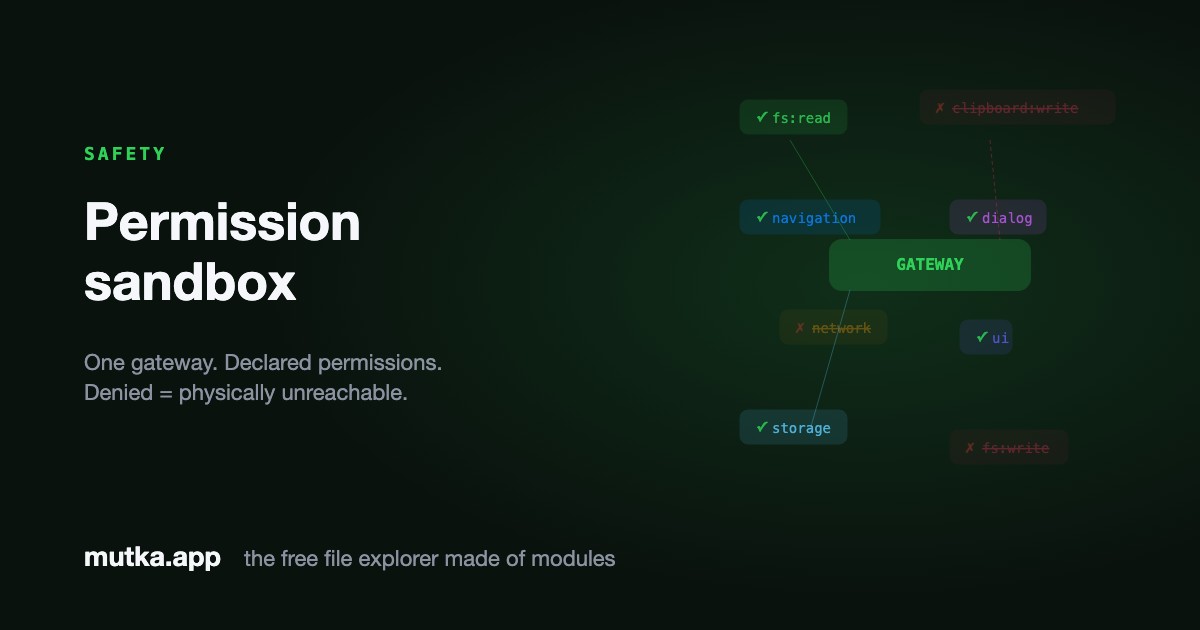
A module only ever gets the access it declared - everything else is denied at the gateway.
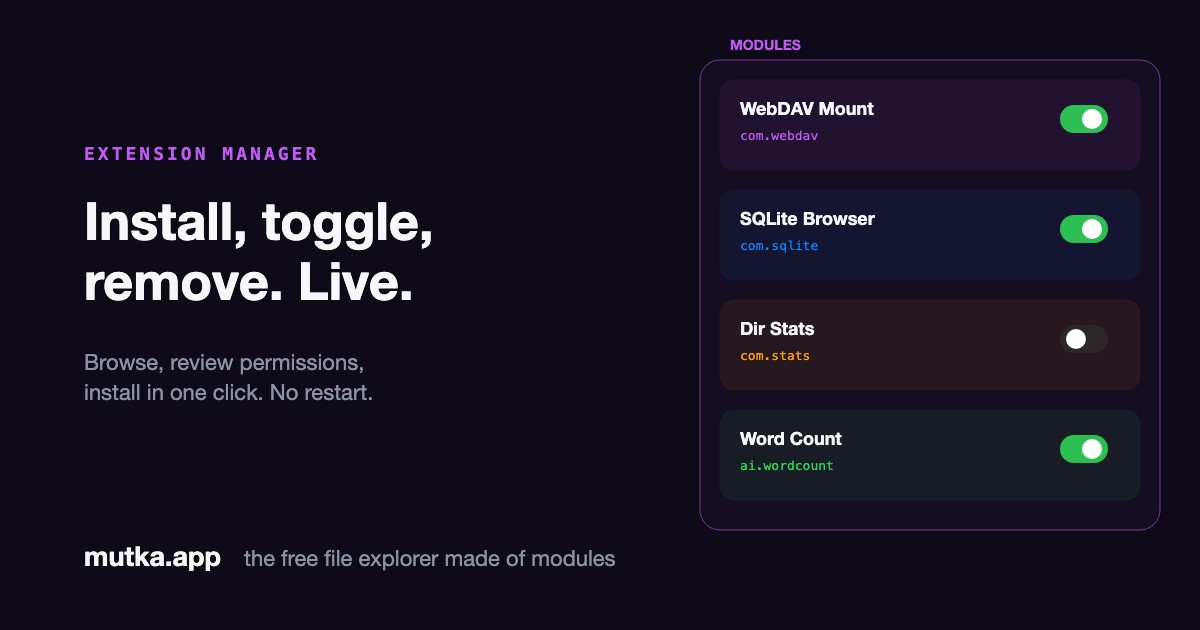
Browse, review permissions, and install community modules live - no restart.
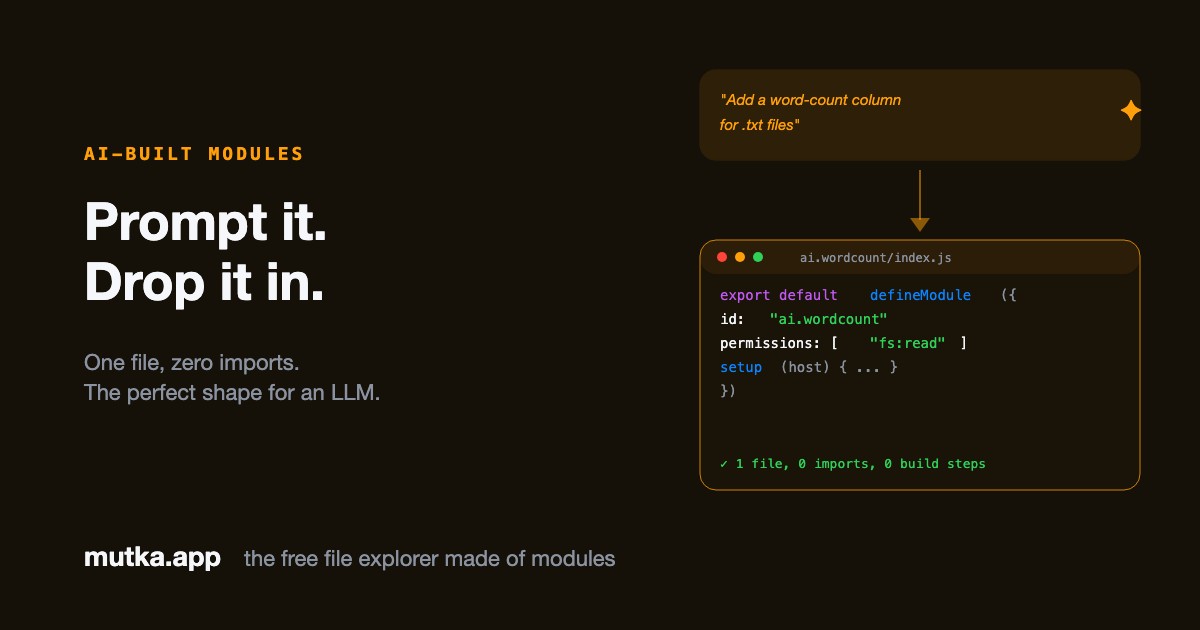
One file, zero imports, explicit permissions - the perfect shape for an LLM to generate.
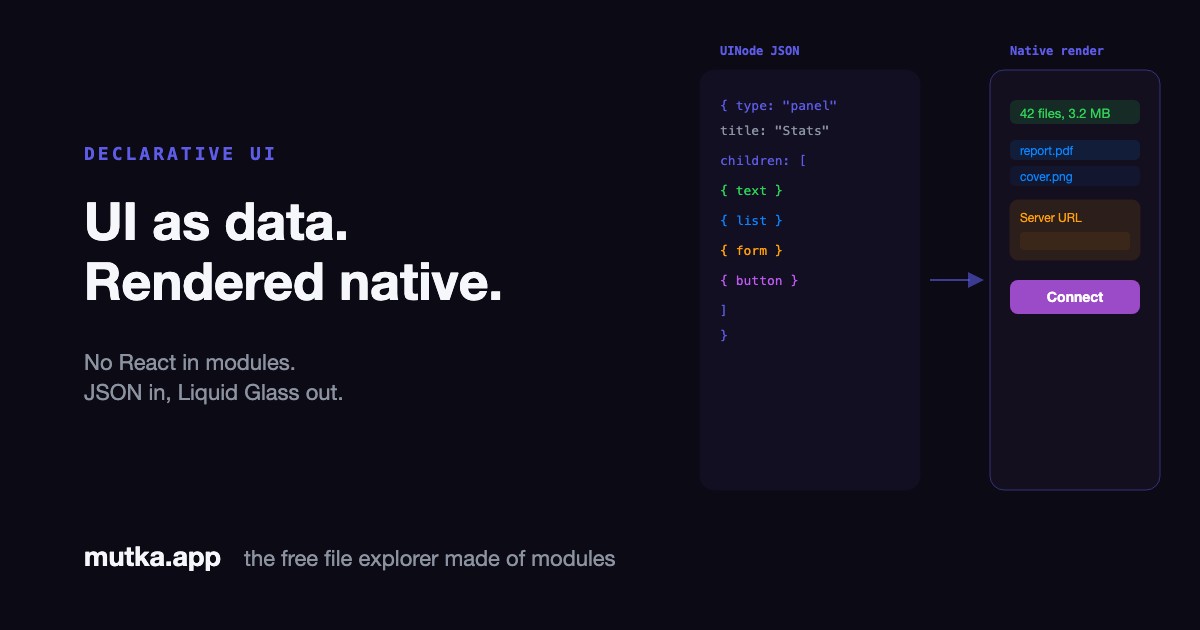
Modules paint native panels, forms and status items from pure JSON - no React, no JSX, no markup.
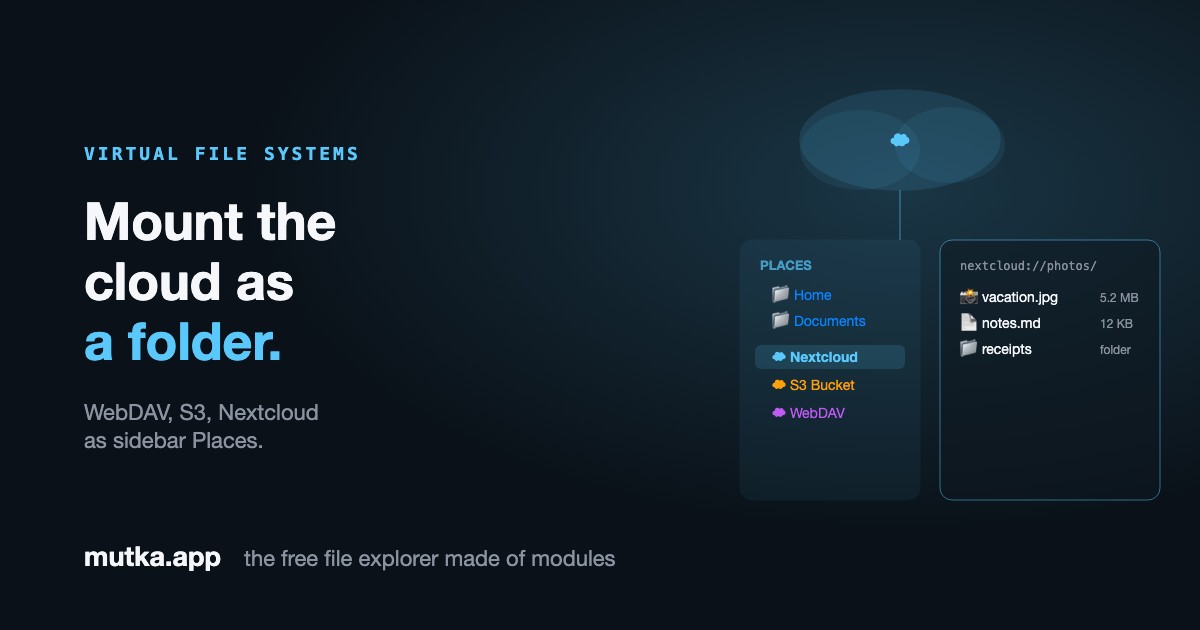
Mount WebDAV, S3 or Nextcloud as a Place in the sidebar - a filesystem that doesn't exist on disk.
Why build it this way?
Three guarantees fall out of the architecture for free - each one true because of a single line of code.
Community-first
Anyone can extend the app without forking it or touching core code. A module is a single file that imports nothing from Mutka.
import { } from "mutka" // nothingSafe by design
A module only gets the capabilities it declares. Anything it didn't ask for is denied at the gateway.
host.fs.write() → ✗ blockedBuilt-in = community
There is no privileged “official” API. The features Mutka ships with use the exact same defineModule shape you would.
core.clipboard === defineModule()How a module works
One format, two runtimes, one gateway - the whole architecture in three ideas.
One format
export default defineModule({ id, permissions, commands, openHandlers, setup }). Built-ins and community add-ons are byte-identical.
Two runtimes
Trusted built-ins run in-process; untrusted community modules run isolated in a Web Worker. Same source, swapped in one line.
One gateway
Every host.* call is checked against the module's declared permissions before it can reach the system.
export default defineModule({
  id: "com.nextcloud",
  permissions: ["network"],
  sidebarItems: [
    { category: "Cloud",
      label: "Nextcloud",
      path: "nextcloud://" },
  ],
  setup(host) {
    host.onList("nextcloud", (path) =>
      host.net.dav.list(path)); // gated by "network"
  },
});Modules are designed to be built by AI
Because a module is one self-contained file with a tiny, declared surface - no imports, no build step, no hidden globals - it's the perfect shape for a language model to generate. Describe what you want, get a working module, drop it in ~/.mutka/modules/. No glue. Just plug it in.
- ✅ One file, zero core imports - nothing to wire up
- ✅ Permissions are explicit, so the AI can't overreach
- ✅ The same shape powers every built-in feature
“Write a Mutka module that adds a Word count column for .txt files.”
defineModule({ id: "ai.wordcount", … })
Go a little crazy
The core is small on purpose - so the wild ideas live in modules. Here's what a folder of them looks like: