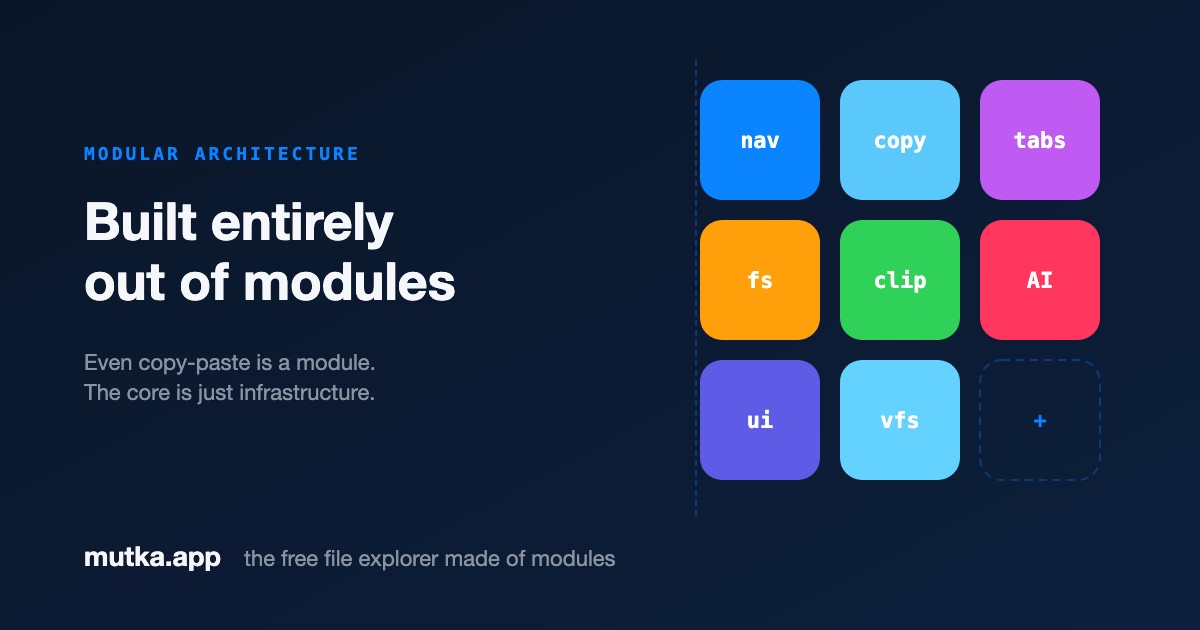
A file explorer made of modules
Mutka's core ships only infrastructure: a registry, an event bus, a shortcut manager and a permission gateway. Every real feature is a module - and anyone can add one without forking the app or touching core code.
The core does almost nothing - on purpose
A smaller core is a more reliable core, in the same "do one thing well" philosophy that shaped Unix. Mutka's infrastructure layer never contains feature logic: no copy, no rename, no navigate. It provides the seams - a module registry, a typed event bus, a shortcut manager and a permission-checked gateway - and gets out of the way.
Everything a user actually does is a module snapping onto those seams. Copy and paste, file creation, tabs, cloud mounts, list columns - all of it lives outside the core, in files that import nothing from Mutka. No other macOS file manager is built this way; see how Mutka compares.
One format the whole way down
A module is a plain file that exports defineModule({ id, name, permissions, commands, openHandlers, setup }). Inside setup(host) it receives a host object - its only window onto the system.
There is no privileged "official" API. The clipboard that ships in the box and a community module you write tonight use the exact same shape. If a built-in can do it, your module can too.
- Authors import nothing - the host object is the entire surface
- Commands bind keyboard shortcuts; open handlers claim file types
- Declarative UI lets a module paint panels without React
One format, two runtimes, one gateway
The entire architecture is three ideas.
- 01
One format
Built-ins and community add-ons are byte-identical: the same defineModule call, the same host object, the same lifecycle.
- 02
Two runtimes
Trusted built-ins run in-process for speed; untrusted modules run isolated in a Web Worker. Same source, swapped in a single line.
- 03
One gateway
Every host.* call is checked against the module's declared permissions before it can reach the system - for built-ins and community modules alike.
Add a feature without touching the app
Because features are modules, extending Mutka never means editing core code or rebuilding the app. Drop an index.js into ~/.mutka/modules/<id>/ and it's discovered on launch - no App.tsx change, no glue.
A module can claim every .png to render thumbnails, add a column of folder sizes, mount WebDAV as a sidebar place, or decode .sqlite files into browsable tables - all from outside the repo.
What modules can build
The core stays small so the interesting ideas can live in modules.
SQLite browser
Claims every .sqlite file and renders its tables and rows in the pane.
Cloud mounts
Mounts WebDAV, S3 or Nextcloud as a Place in the sidebar - a virtual filesystem.
Live thumbnails
Swaps native icons for image previews, waveform strips or EXIF badges.
Status-bar stats
Computes folder sizes, duplicates or git status into the status bar.
Frequently asked
Do I have to fork Mutka to add a feature?
No. A module is a standalone file that imports nothing from the core. You write it outside the repo and drop it into ~/.mutka/modules/ - the app discovers and registers it on launch.
Are built-in features really written the same way as community modules?
Yes. Copy-paste, navigation, tabs and file operations all use the same defineModule shape and the same host object a community author uses. There is no special internal API.
What's the difference between a built-in and a community module?
Only the runtime. Trusted built-ins run in-process; untrusted community modules run isolated in a Web Worker. The source format is identical and both are checked by the same permission gateway.
Sources & further reading
Mutka's module system stands on standard web and desktop primitives.
- 1Tauri 2.0 documentationTauri
The Rust + WebView framework Mutka is built on: a ~15 MB native binary instead of a bundled browser.
- 2JavaScript modules (ESM)MDN Web Docs
A Mutka module is one standard ES module file. The format is the platform's, not ours.
- 3VS Code Extension APIMicrosoft
The best-known extensible-editor architecture, useful contrast: powerful, but extensions run unsandboxed with full privileges.
- 4Basics of the Unix PhilosophyEric S. Raymond, The Art of Unix Programming
The design tradition behind "a tiny core plus composable parts".